TL;DR: Unmatched CIs are not only a CMDB cleanup problem. In Vulnerability Response, CI matching runs through three stages, and each fails for different reasons: a discovered item pinned to the wrong CI, CI lookup rules ordered or scripted badly, or identification data too thin for the Identification and Reconciliation Engine to confirm a match. Fix the rules and the incoming field values first, then reapply lookup rules against the backlog. Zero unmatched is not the target. A stable, explainable percentage is.
This is one of the most common issues we run into in a Unified Security Exposure Management (USEM) implementation, and it sounds simpler than it is: the security team has findings, but ServiceNow will not reliably associate all of them with the correct configuration items.
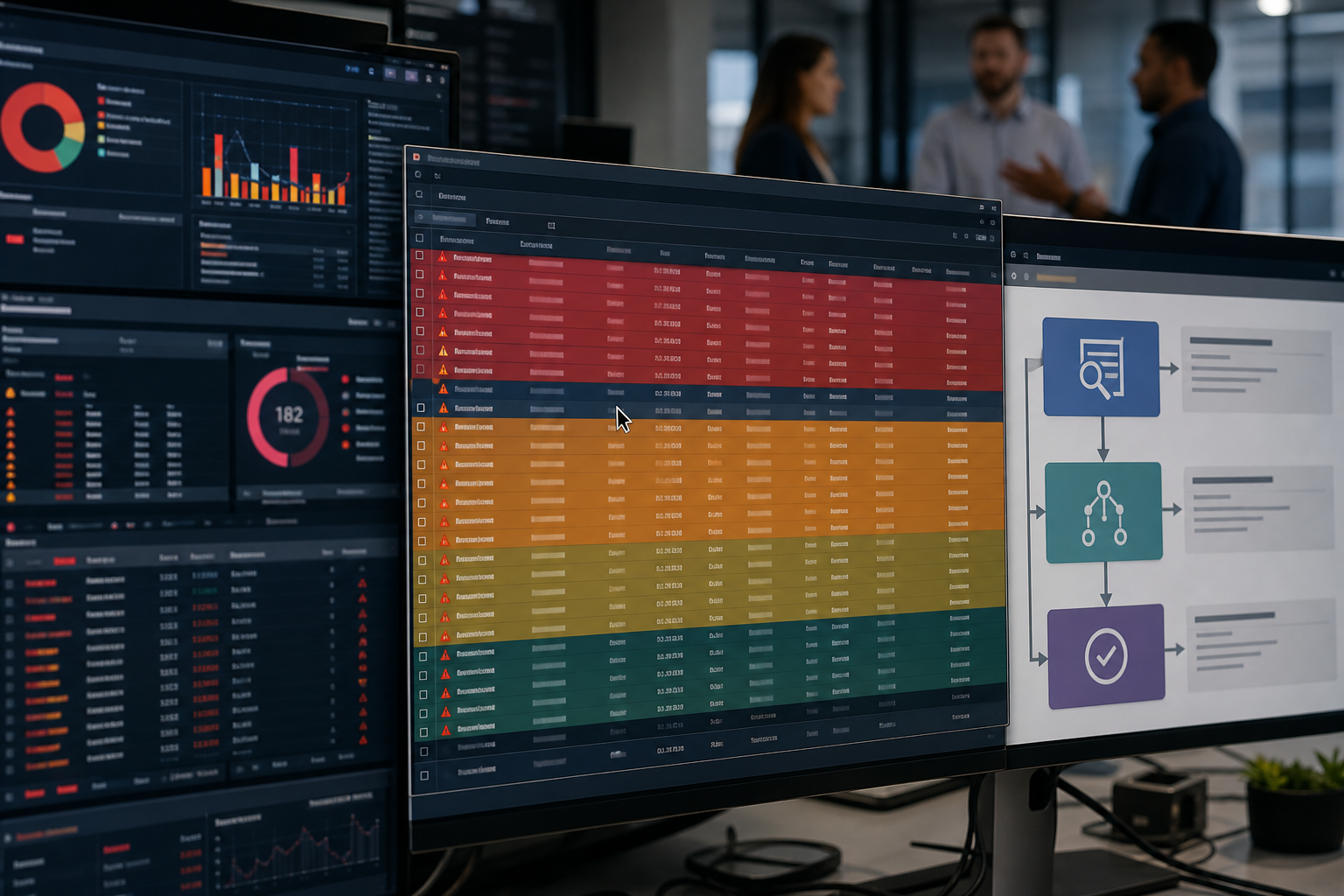
Depending on the environment and the source, what you see is a pile of unmatched records that need investigation before anyone can say what the affected asset is, who owns it, or how much it matters to the business.
It is tempting to call that a data quality problem. Sometimes it is. More often it exposes something broader about how asset, configuration, and security data get collected and reconciled. Your scanner and your CMDB can both hold accurate information about the same device and still describe it differently enough that ServiceNow will not confirm they are the same thing without a bit of extra prompting.
Security tools and the CMDB describe the environment differently
A vulnerability scanner exists to find systems and identify vulnerabilities. An endpoint product has its own job. Cloud security platforms, network tools, and container scanners each keep information according to their own operating model.
The CMDB has a different responsibility: maintaining configuration items and the relationships that let an organization understand its technology estate in operational and business terms.
Those views overlap. They are not the same. A scanner may identify a device by IP address, hostname, fully qualified domain name, cloud identifier, or something else entirely, and the CMDB may hold a record for that same device under different identifying information. Records also go stale, arrive incomplete, get duplicated, or land in a class the security source did not expect.
When security data arrives, ServiceNow has to decide whether the thing the scanner reported corresponds to a CI that already exists. Without enough reliable evidence, it cannot.
What happens during matching
This is the part worth getting right, because it determines where you go to fix things. Vulnerability Response evaluates matching in three stages, and each one is a distinct failure point.
- Stage one: the discovered item lookup. Scanner data carries a unique asset ID. Vulnerability Response looks for that value in the Source ID field of the Discovered Items table to see whether this asset was already matched to a CI on a previous run. That is efficient, and it has a consequence people miss: if the discovered item was matched incorrectly last quarter, it will keep using that wrong CI. The bad match persists until you reapply lookup rules against it.
- Stage two: CI lookup rules. With no source ID hit, CI lookup rules run. Those rules work either by field matching, querying a specific CMDB field with a value from the scanner response, or by script for logic that has to span multiple tables and conditions. Rule order matters more than most teams expect. IP address rules should not evaluate first, or really at all; lead with MAC address or name. IPs get reassigned, and a rule that matches on one will happily attach a finding to the wrong host.
- Stage three: Identification and Reconciliation Engine (IRE). If nothing has matched, the platform still needs a CI so the vulnerable item can exist. An unmatched CI is created alongside the vulnerable item, in the Unmatched CI classes or, with the CMDB CI Class Models plugin enabled, through the Identification and Reconciliation Engine using its own classes. In practice, that record lands in Unclassed Hardware, Unmatched CI, or Cloud resource, and it remains available for later reconciliation, either manually or through Discovery and IRE.
So the unmatched record is not a dead end. It is a placeholder holding an asset the platform could not confidently name.
The single most common root cause
If you look at one thing first, look at the name and fully qualified domain name (FQDN) values coming in. The Hardware identification rule for name is generally one of the primary matching rules and a common cause for unmatched CIs. Scanners often include the domain, while ServiceNow Discovery will strip it off. When the scanner writes serverA.example.com and Discovery finds serverA, the identifier does not match, and the CI stays unmatched.
That is a formatting difference, not a discovery gap, and it can account for a startling share of a backlog. You can fix this upstream of the rules or account for it in the rules themselves with a simple script to match the formatting. Host import maps define how scanner fields map to target tables and fields, and they let you run script logic to sanitize or normalize incoming values, so unmatched CIs get created with a bare hostname instead of an FQDN. One caveat that catches teams out: that change applies to new assets, so existing records with the name problem have to be dealt with separately.
Before adjusting anything, read the Source Data field on the discovered item and confirm the incoming attributes are what you assume they are. I have seen more than one implementation tune rules against a hostname field that was carrying an FQDN the whole time.
The other places it breaks down
Discovery coverage is the obvious one. An asset the scanner found may never have been discovered or populated in the CMDB at all, which shows up most in fast-moving cloud infrastructure, environments running several discovery technologies, segmented networks, unmanaged devices, and anything provisioned outside the established process.
Data consistency is next. Hostnames change, IPs get reassigned, assets look different across domains, and cloud resource identifiers do not map neatly onto traditional infrastructure records. Duplicate CIs may exist because multiple sources created records before identification rules were properly in place, and duplicates make identification ambiguous rather than merely incomplete.
Timing produces its own mismatches. Scanners and Discovery do not observe the environment at the same moment, and a short-lived resource can appear in one system and be gone before the other ever sees it.
And sometimes the problem is configuration in ServiceNow: identification rules, CI classes, integration setup, source precedence, or reconciliation logic that does not reflect the environment.
Looking at a queue of several thousand records, those causes are indistinguishable from each other. That is why telling someone to go clean up the unmatched CIs rarely works. There is nothing in a single record that tells you which of five upstream problems produced it.
Why SecOps should care
The immediate cost of an unmatched CI is missing context. A vulnerability on its own tells you something technical: which vulnerability, what severity, what host information the scanner reported. What it does not tell you is what that system means to the organization.
Once a finding is reliably tied to a CI, everything around that CI becomes available to the prioritization decision: ownership, business services, dependencies, criticality, location, environment. That matters most for the thing every mature program is trying to do, which is stop treating severity as the whole answer.
A critical vulnerability on an isolated test box and the same vulnerability on infrastructure supporting a revenue-generating service carry identical technical severity and warrant completely different responses. The CMDB supplies part of what tells them apart. Increasingly, Vulnerability Management teams are moving away from using purely CVSS and moving to a combination of things like EPSS, CISA KEV, contextualized source scores, business criticality, and internet-facing tags. Unified Security and Exposure Management (USEM) is all about determining where the real risk is across all CIs and exposure types.
There is a related benefit teams tend not to know about. Rather than three scanners producing three findings for the same problem on the same host, ServiceNow deduplicates detections from multiple sources into a single vulnerable item. That consolidation depends on the same matching machinery. When matching is weak, you lose deduplication, and the volume problem gets worse instead of better.
Fixing it means looking upstream
There is real value in mining the unmatched queue itself, because patterns in those records tell you which sources, asset classes, networks, or environments are generating the failures.
Then work the questions that change outcomes. Are most unmatched assets coming from one cloud environment? Are they concentrated in a single CI class? Is a scanner reporting hostnames differently from Discovery? Are ephemeral resources routinely gone before anything can reconcile them? Are duplicate CIs making identification ambiguous? Which sources are authoritative for which attributes?
Once rules and mappings are corrected, reprocess the backlog rather than working it by hand. From Vulnerability Response v26.0.11, you can reapply lookup rules to selected or filtered items directly in the discovered items table view, and the older scheduled job for reconciling unmatched discovered items is retired. A filter has to be applied for the option to be available, and you cannot reapply rules while a host or vulnerable item import is running.
That turns a backlog into diagnostic input. Instead of treating each record as a cleanup task, you identify the process producing the records and fix the system.
The goal is not zero
It would be tidy to say a mature environment has no unmatched CIs. In a large, dynamic estate, that is not realistic. Infrastructure changes constantly, cloud resources are ephemeral, new devices appear, integrations fail, and data arrives at different intervals. Security tools will sometimes find technology that IT processes have not documented yet. And often there are certain environments companies opt not to discover, but still scan for vulnerabilities, resulting in intentional unmatched CIs.
A small unmatched population is therefore useful. It surfaces assets nobody knew about and gaps in discovery coverage. What should concern you is unmatched data that is persistent and systemic. If the same asset types fail to match every cycle, or a meaningful share of your findings has no CI context, the queue is telling you something about your data model and your discovery processes, and that conversation belongs well beyond the security team.
Treat the queue as evidence
The most productive way to think about unmatched CIs is as evidence of where the security view of the environment and the operational view fail to line up.
Sometimes the answer is a reordered lookup rule. Sometimes it is a host import map normalizing a name. Sometimes it is Discovery coverage, integration configuration, or CMDB governance. And sometimes the scanner has found technology the organization genuinely did not know it had, which is the most interesting outcome on that list.
Knowing a vulnerability exists is the beginning of the response, not the substance of it. You also need to know what is affected, who owns it, what depends on it, and how fast it has to move. When CIs stay unmatched, every one of those questions gets harder.
So rather than treating the queue as another backlog to burn down, ask what is stopping our security data and our record of the environment from describing the same infrastructure?